Sorry, no results.
Please try another keyword
- "SIL 1a Vocal, no reverb".



Add new, Patent-Pending technology to the reverbs you already love.
For the first time ever, completely reset the reverb between each note.
Sound Design new worlds with custom effects previously unimaginable.
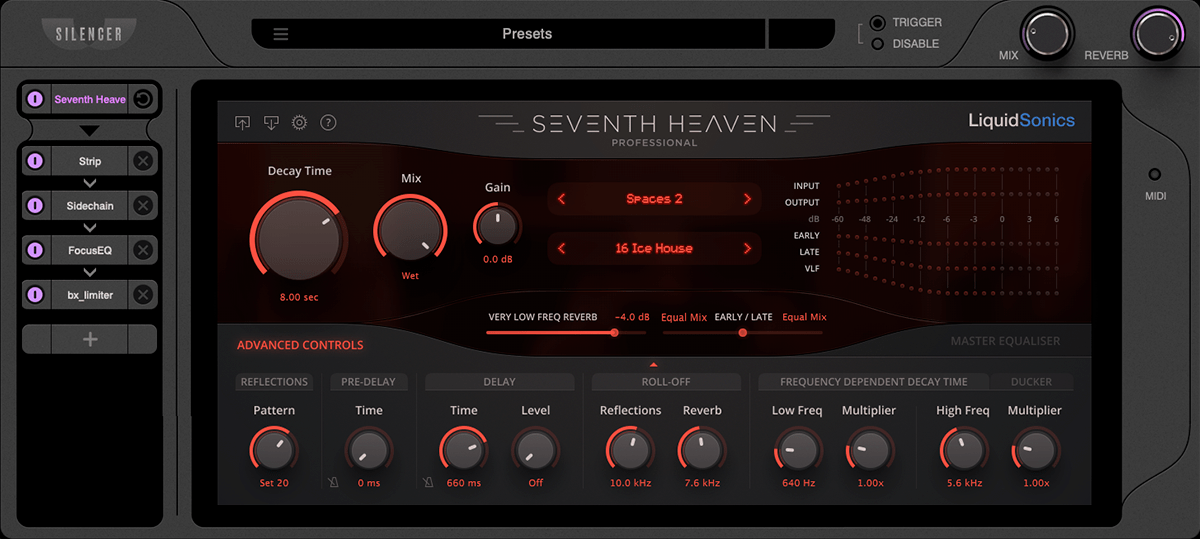
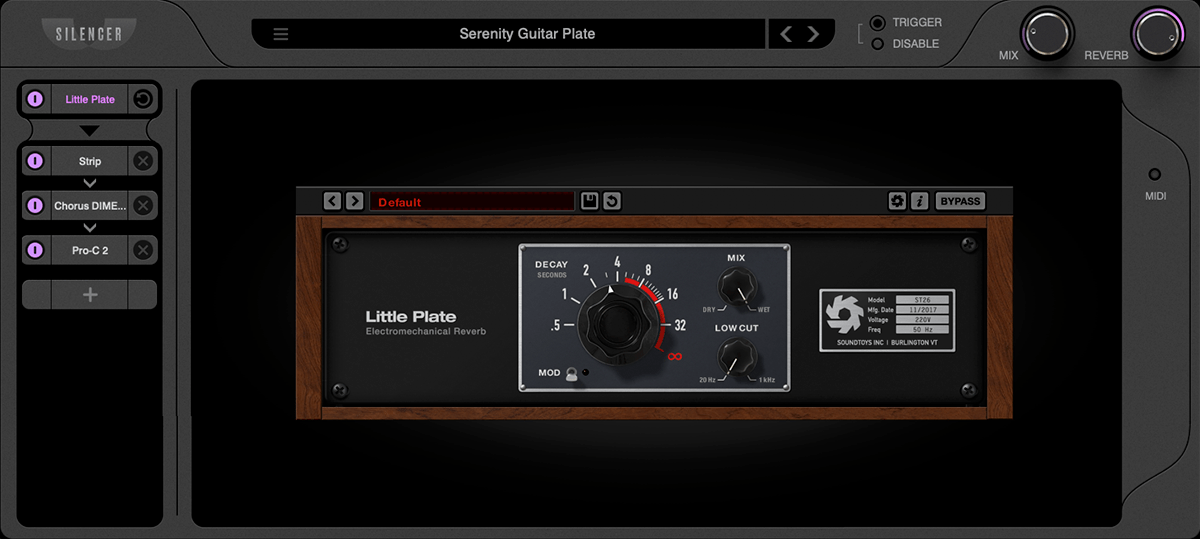
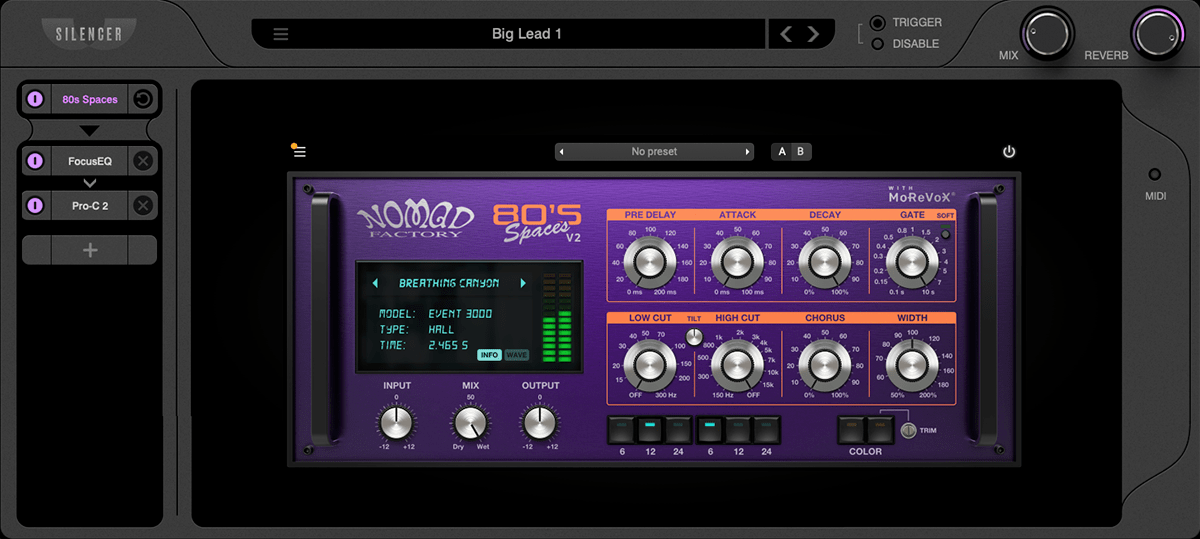
SILENCER is a first-of-its-kind plugin that both cleans-up and supercharges the reverb plugins you already own.
Announcing TIMEGATE, a Patent Pending process that completely terminates the reverb signal on each note.
This eliminates the reverb “wash” that blurs multiple notes, ruining the impact of melodies, vocals, drums, chords/arps.
Retriggering is your reverb’s secret weapon. Give each note its own individual, discrete reverb. Say goodbye to reverb wash, clashing notes, and bass phase issues. Instead you get strong transients and harmonic clarity.
Ducking reverbs is not the same, and is no longer “good enough” in cutting-edge productions. That’s why producers before Silencer were bouncing each note and cutting reverb tails by hand. But that isn’t very creative — you can’t hear how your reverb sounds until you’ve already cut it.
Here are some quick examples. There are more below, plus a full walkthrough video.
The Timegate module hosts your favorite VST reverbs and re-triggers them for each audio transient or MIDI note, whether you’re using a medium plate, or an epic 10-second shimmer verb.
We also encourage you to use Silencer to design dirty, cinematic or otherworldly reverbs, and use retriggering to turn it into a polished-but-surreal mix.
The drum bus is an epic place for Silencer.
Reverb usually softens and smears the attack of your drums, cushioning their impact.
With Silencer’s re-triggering, reverb begins after each transient — so you get that big-room feel, but with full punch and clarity.
Make your drums sound larger-than-life by adding space around them without making them sound like soup.
Perhaps Silencer’s biggest impact is on vocals. Every word is crystal clear, and reverb doesn’t compete for room in the mix.
When an instrument changes pitch, reverb from the previous note still exists. This turns every note into a dissonant chord.
Silencer resets the reverb on each note, so every note and every word comes through crystal clear — no more smearing or inharmonic tails from the previous note.
When making a beat with chopped up samples, the reverb is baked into the original sound, and cuts off when you play the next note.
Silencer can recreate that vibe with any sample or instrument, by generating a new reverb on each note. Great for vocal chops, keys, or lo-fi one-shots.
Reverb can wreck your low end due to phase issues. Otherwise it sounds great, and is used on hit records.
But with Silencer retriggering cleanly on each hit (and maybe a touch of pre-delay), you can finally add space to kicks, 808s or any bass and trust that you’re low end is safe.
The FX modules are custom-made for reverb, and are the hidden gem of the plugin.
They only affect your reverb signal.
Maximum Sound. Add massive Weight and beautiful Air using a legendary BBE Sonic Maximizer algorithm that makes your reverbs sound epic. You’ll have a hard time believing the before-and-after.
Silencer’s Gate uses the dry signal for detection, giving your reverb an extremely punchy sound. This new effect sounds especially great on drums.
Spread pans the dry and wet signal in opposite directions, creating a magical 3D effect used on radio hits to carve out room in the center of your mix while adding dimension.
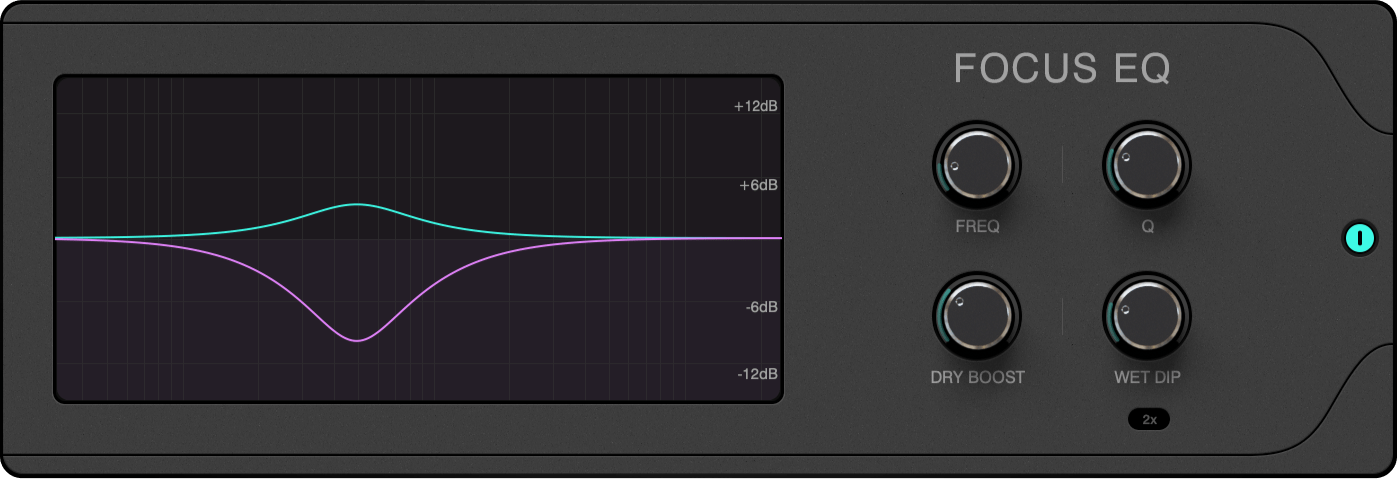
Focus EQ allows you to increase separation at important frequencies of the instrument, by both cutting the reverb (Wet Dip) and boosting the dry signal (Dry Boost) at the same critical frequency.
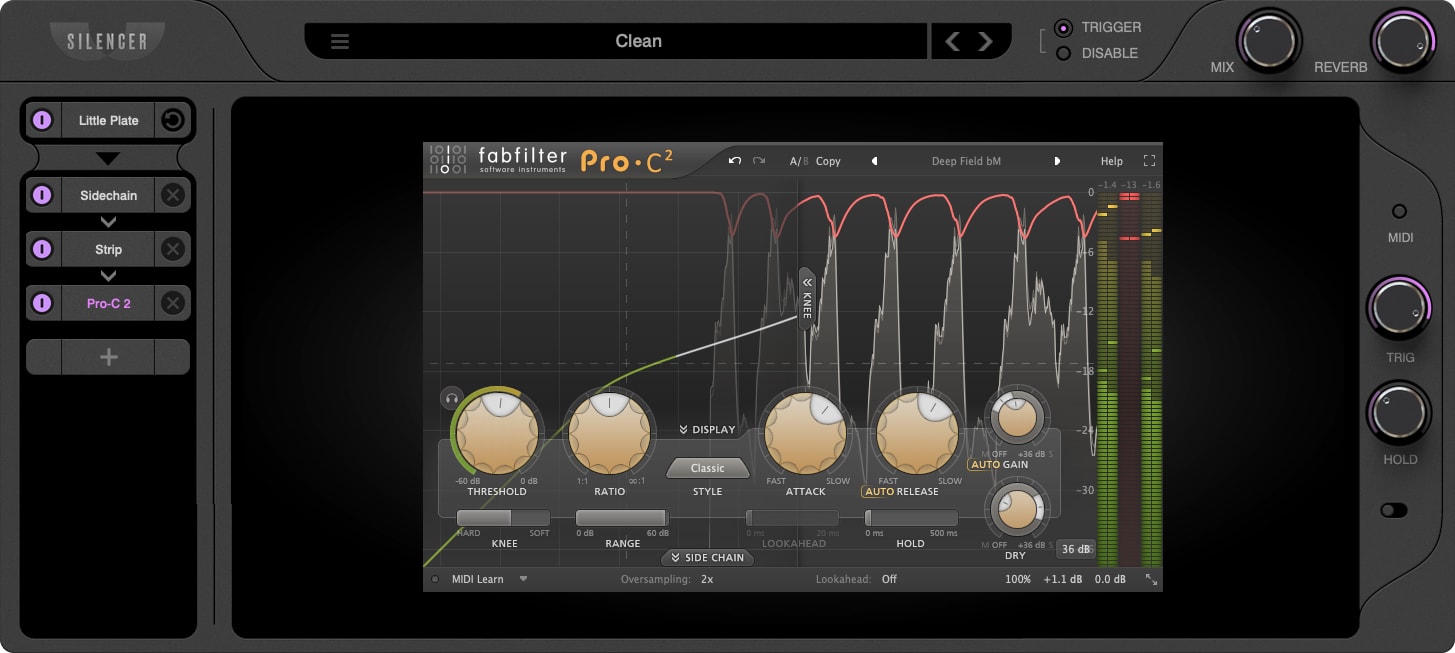
Sidechain will compress the reverb based on the dry signal.
The Release knob actually changes more than the release, and is fine-tuned to give you a wide range of rhythm and groove.
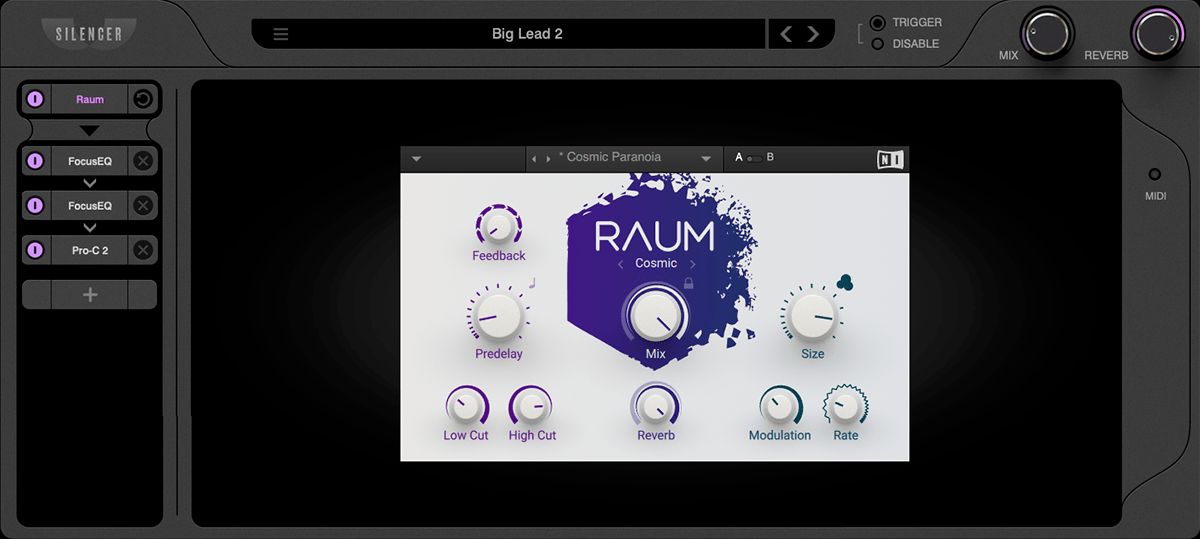
Add your favorite VST Effects to create custom reverb worlds.
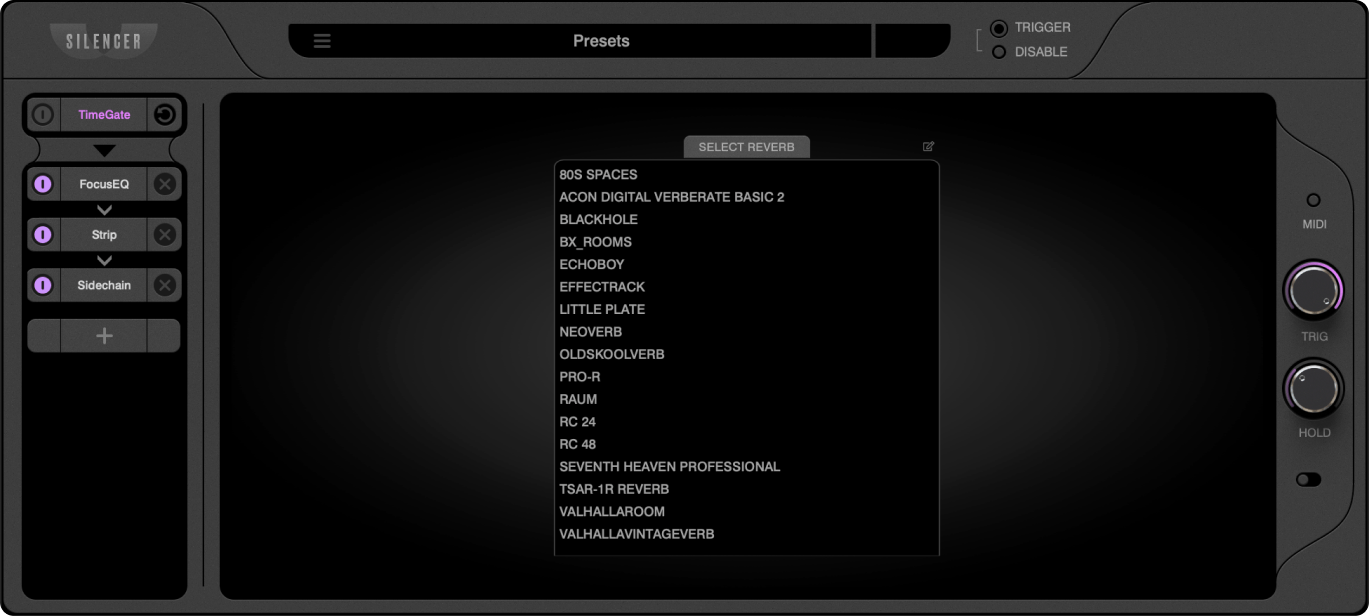
Silencer makes for a great Reverb Manager as well. Save all your favorite reverb chains in one place, regardless of plugins used, and quickly audition them.
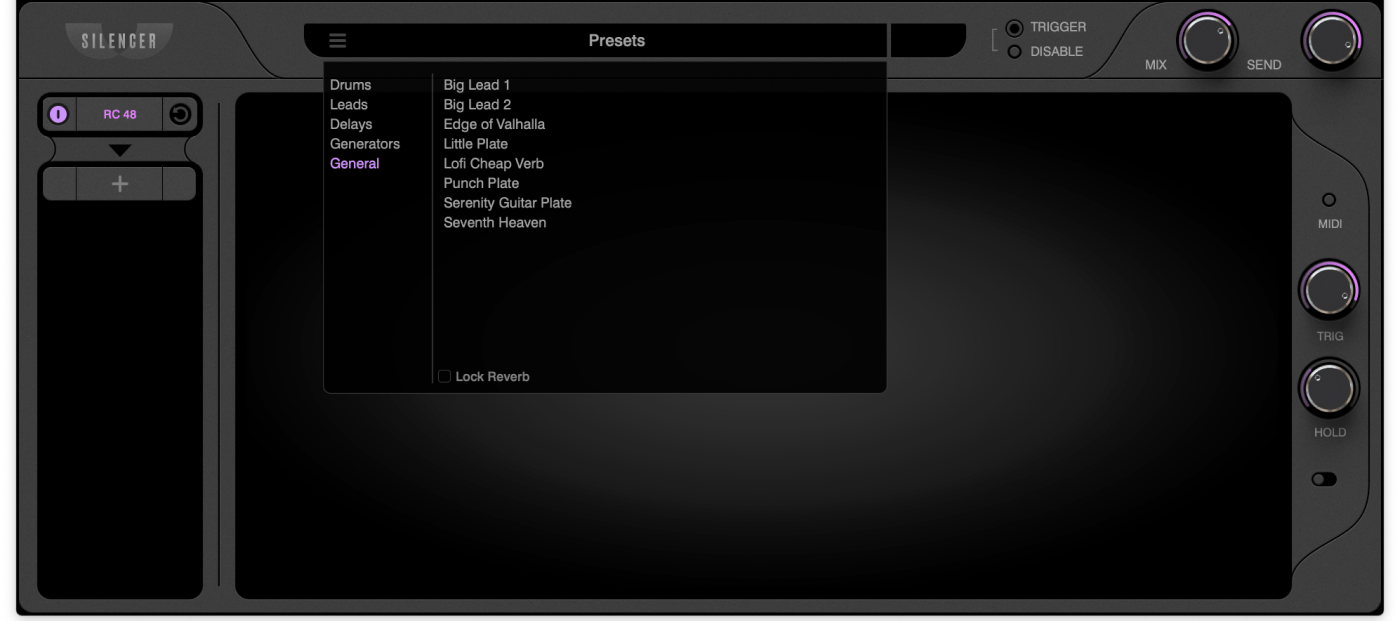
For easy sound design experimentation, you can enable Reverb Lock so that your Reverb plugin doesn’t change as you audition presets — only the FX Modules swap in.
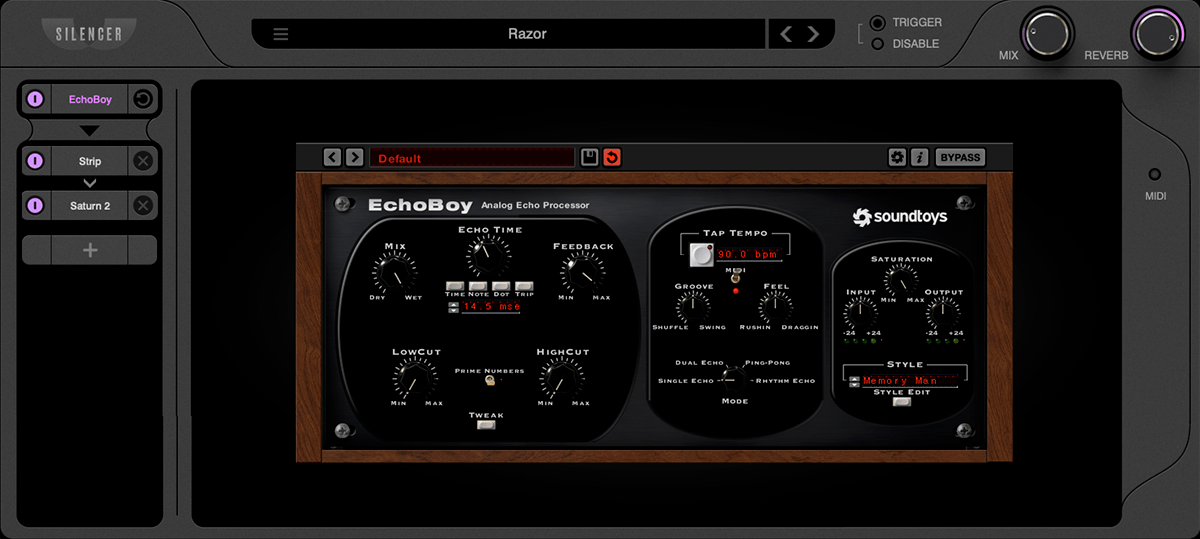
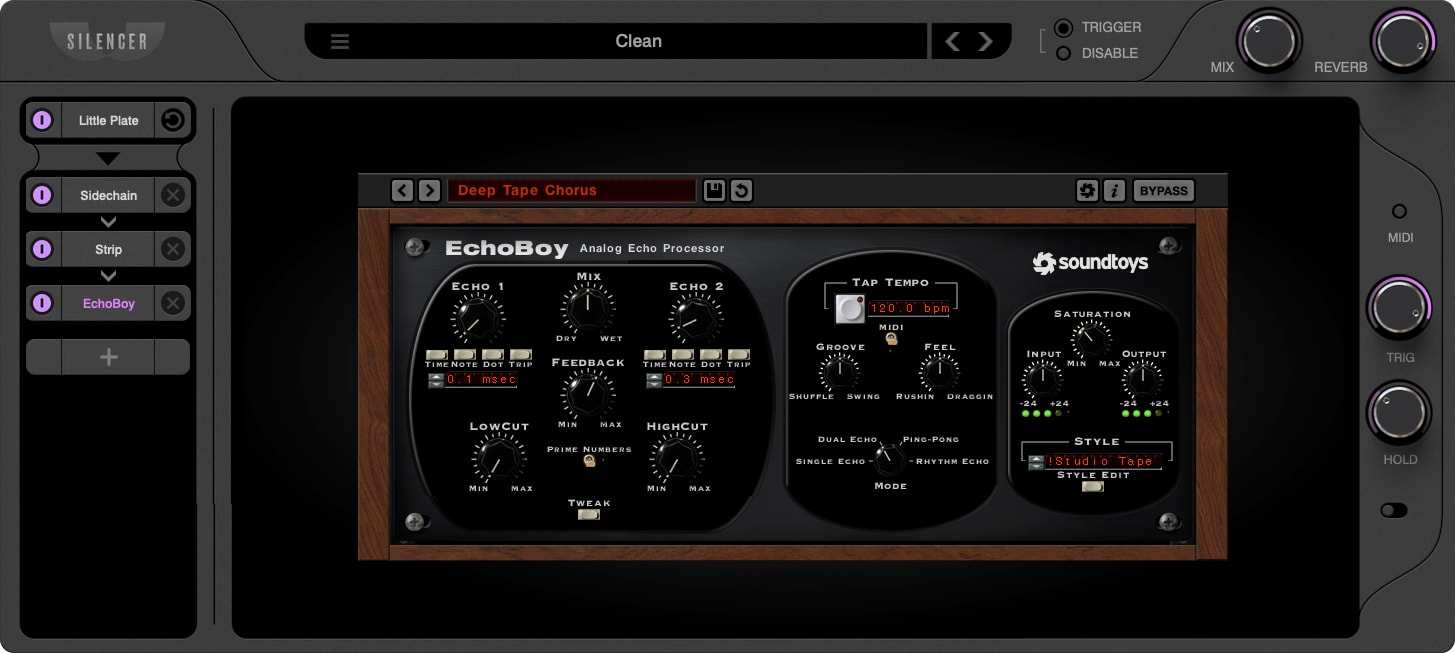
Yes, Delays are unofficially supported 🙂
They don’t all work and we haven’t tested many, but we know many of the biggest ones do, including Echoboy, Timeless 3, Other Desert Cities and many other favorites.
You can achieve some mind-bending sound design by re-triggering delays, especially with high Feedback levels.
Yes. The reverb-resetting aspect is only one of several modules in Silencer, and when you load up a reverb, the triggering can easily be bypassed by clicking the MIDI button.
Create custom reverb setups, save them for later, and you may later choose to use a setup with triggering on another project.
We adore reverb, it’s our favorite effect. However from Day 1 we were clear about one thing: we didn’t want to push another reverb algorithm into the market. Reverb takes a long time to get right, evidenced by the fact that the finest reverb makers specialize in doing only that (Lexicon, Liquidsonics, Bricasti), and most other reverbs frankly don’t sound very good.
Silencer is future-proof and will work with your current and future reverb plugins. It’s the best of both worlds.
We like to joke that the last reverb you’ll ever need, isn’t a reverb at all….
Silencer itself is easy on the CPU. As a plugin host, its performance depends almost entirely on the plugins being hosted.
While triggering reverbs does use CPU, we discovered an exciting method that drastically reduces CPU load, and we’re happy with the result. This is another part of our Patent Pending technology.
The most historic sweetening effect in record production might be reverb, but the way we use them hasn’t changed since plug-ins were first invented. Silencer is still a plug-in, but it’s a new way of using all your favorite reverbs.
Timegate solves masking created by reverbs. You can crank up your reverbs and they still sound great.
Before Silencer, reverb could turn a mix into a cluttered mess. Now, reverb “wash” is a thing of the past.
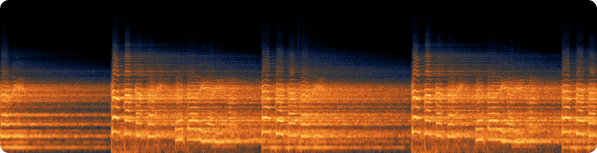
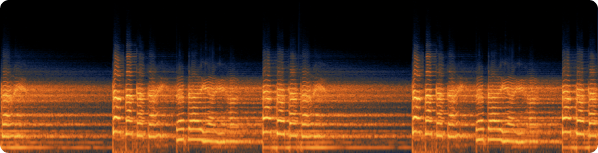
Look at these spectrums of a sung vocal. Notice how much of the melodic and harmonic material is preserved when using Timegate, compared to the same reverb without Timegate.
original signal, no reverb
reverb without Timegate — the original signal is nearly lost.
reverb with Timegate — all transient, melodic and harmonic information stays intact.
• About 90% of manufacturers make reverbs that work with Silencer’s triggering mechanism.
• 100% of plugins can be hosted in Silencer and used without retriggering
Even with 90%, you will be able to make any reverb sound you can imagine, and you will honestly be amazed at the new sounds you can create that you were never able to before Silencer.
That said, if you don’t have many reverbs, we offer a demo so you can make sure they work.
By default, Silencer loads plugins of one format: VST3. This means that you must have the VST3 version of a plugin installed in order for Silencer to load it.
That said, Silencer can host VST3s in any DAW, including Logic and Pro Tools.
New in Silencer 1.1: Silencer now offers an AU Host Mode that allows you to host AU instead of VST3. In this mode, you won’t be able to “Show reverbs only” when first setting up the plugin, so it’s only intended for Logic users who only install the AU versions of their plugins.
Plugin Formats: VST3, AU, AAX
Can host either VST3 or AU
Optimized for Apple Silicon.
Supports macOS 10.13 High Sierra, Windows 7 and up.
Current version: 1.1