

Bag
The missing plugin uninstaller for Mac.
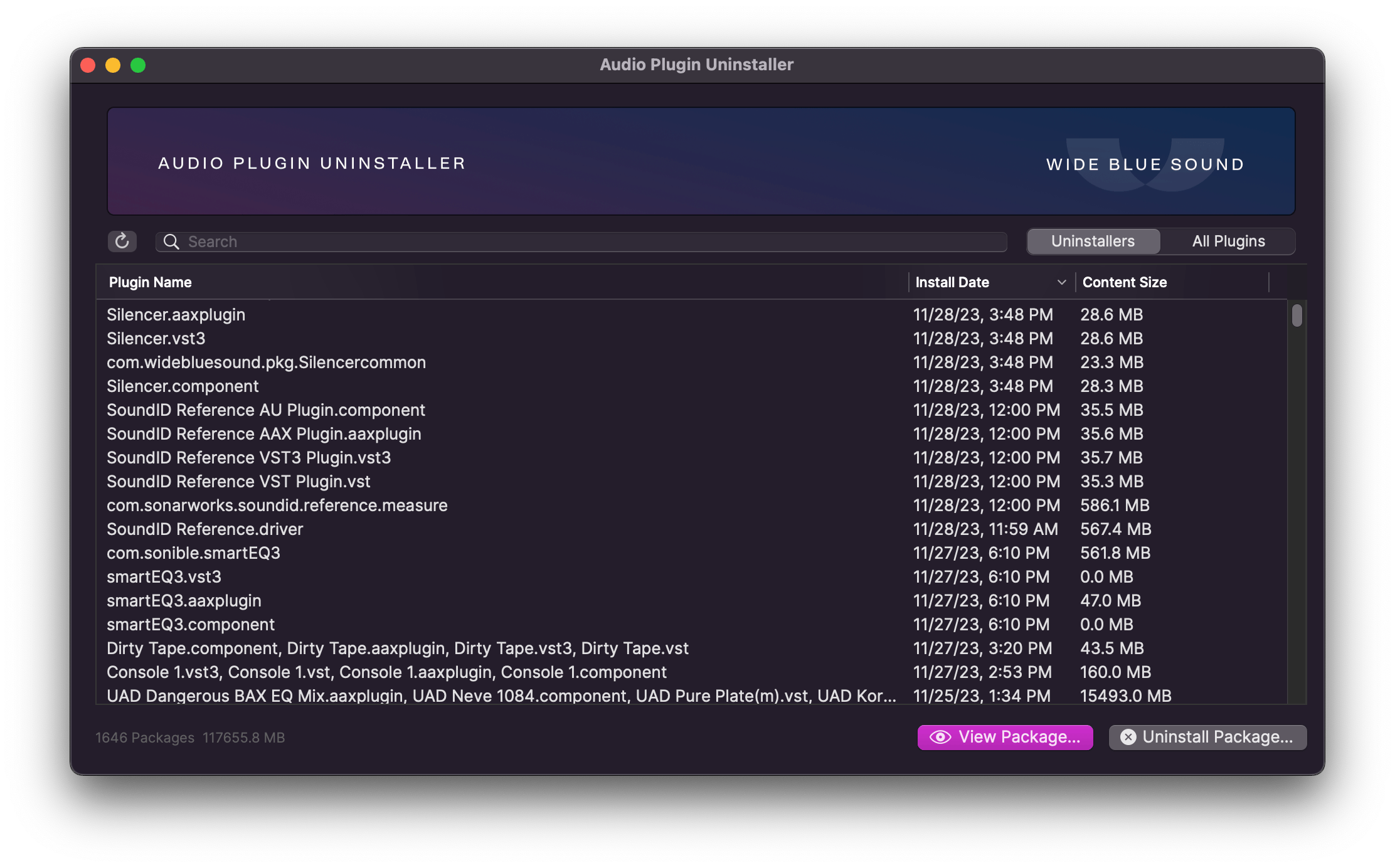
If you make music on a Mac, there’s no reason not to have this.
Plugins throw files all over your computer, and each developer has a different philosophy about where their files should go.
Enter Audio Plugin Uninstaller: the easiest way to uninstall plugins on Mac.
Plugin Paralysis? Too many options can slow you down. Write more music by keeping only the tools you use.
Remove entire plugin formats that you don’t use (e.g. AU or AAX), often cleaning up 20GB or more.
Is a plugin crashing your session or not showing up at all? Clean it up one click.
If you want to completely uninstall a few plugins, try this mode first. It will remove all files originally installed by the plugin.
Uninstaller mode works by reading the original installation receipts and reversing the process, while making sure not to uninstall files used by other plugins. If a plugin doesn’t appear, then it doesn’t have a normal receipt, but you can still remove it using All Plugins mode.
Work with individual plugin files, or reveal them in Finder.
Filter by Plugin Format: clear out entire plugin formats you don’t use e.g. AU or AAX, and potentially free up dozens of GB.
Reveal in Finder: right-click a plugin to view it in Finder, in case you want to manually quarantine it for troubleshooting.